How to install Metasploitable Machine in VM Ware

Introduction:-

Installing metasploitable and configuring it into network.
Step 1:- Navigate to https://download.vulnhub.com/metasploitable/Metasploitable.zip and download it

Step 2:- After downloading, Unzip the file and open your VMware Workstation Pro to install metasploitable into it

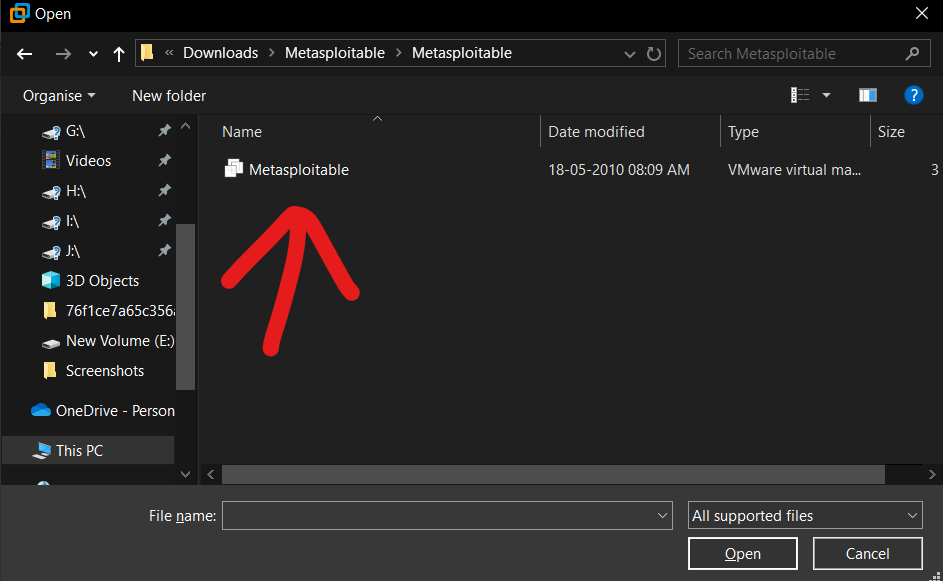
Step 3:- In VMware press ctrl+o (to open the file dialog menu) and select metasploitable where you downloaded the file
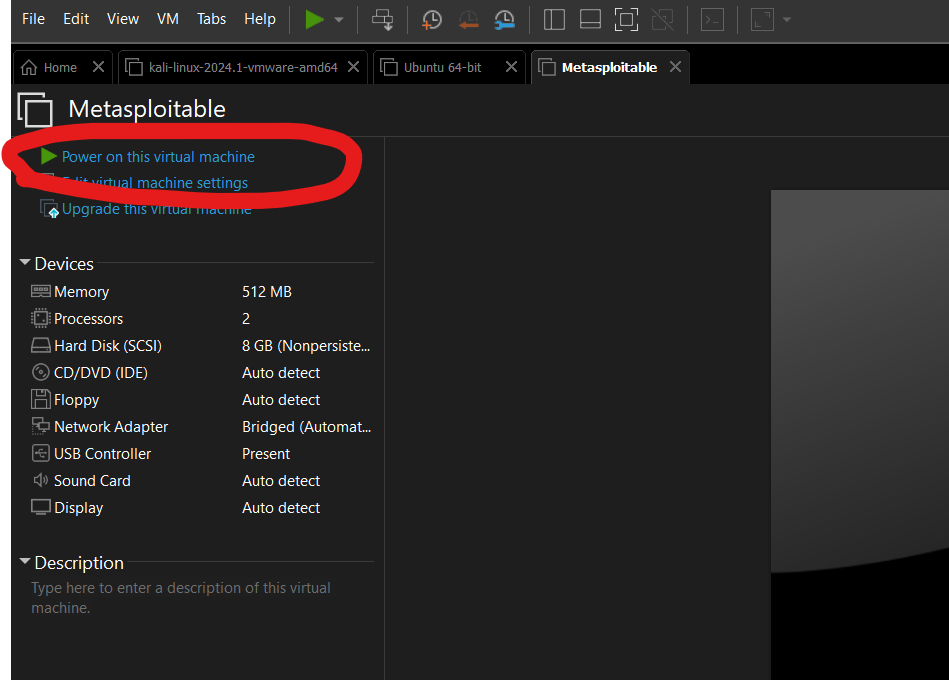
Step 4:- After opening the file in VMware start your machine and change the network adaptor as you suitable I am using my custom network. (After Starting the VM a dialog pops up and click on “I copied it”)
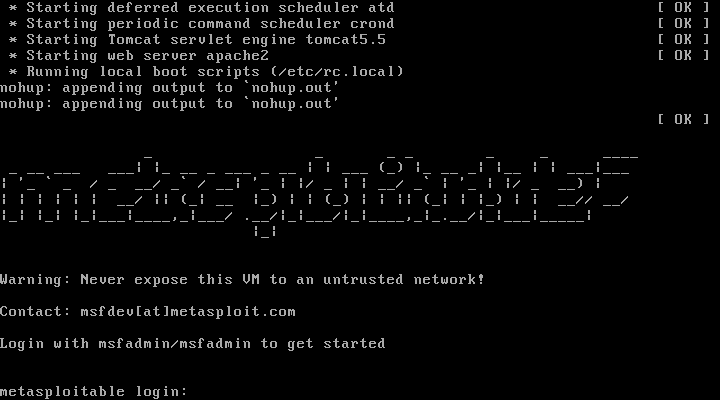
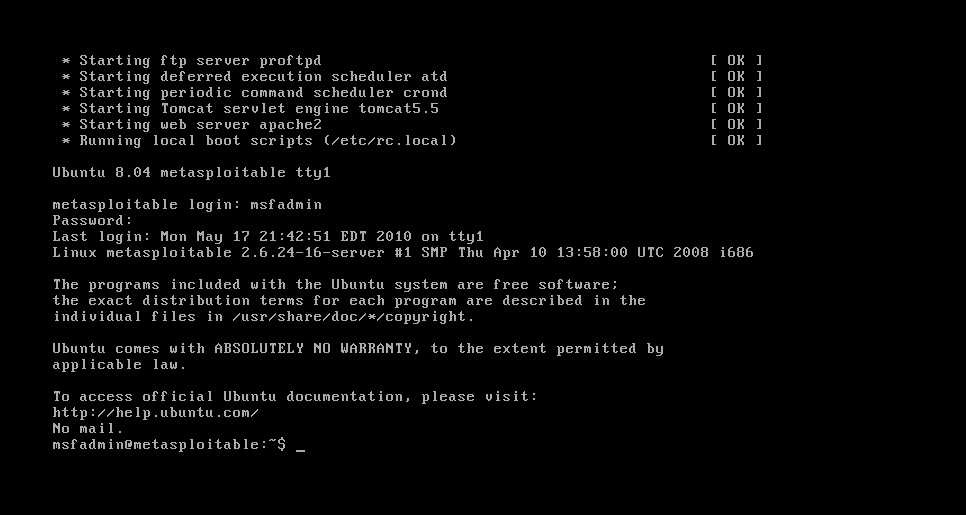
Step 5:- After the machine starts it asks you username and password so use its default user/pass msfadmin/msfadmin
Step 6:- Now check whether the machine is in-network or not, Start your attacker machine in the same network, Open your terminal, and type sudo arp-scan –localnet
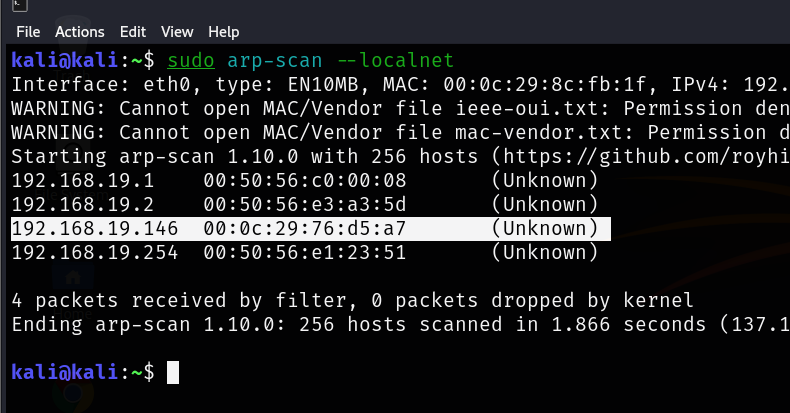
In my case, 192.168.19.146 is my target IP. Let’s open it in the browser
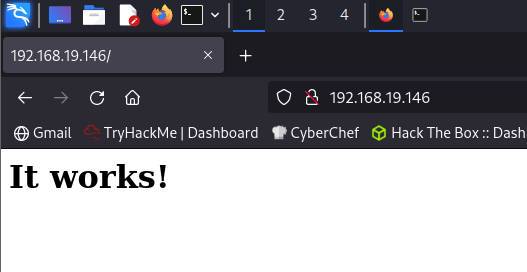
Now you successfully installed the metasploitable and configured its network.

Now Hack it!!

security, cyber, internet-3728124.jpg

Proxychains

What are proxy chains?

Proxychains is a tool that forces any TCP connection made by any given operation to go through delegates like Escarpment or any other SOCKS4, SOCKS5 or HTTP delegates. It’s an open-source design for GNU/ Linux systems. Basically, you can use ProxyChains to run any program through a deputy garçon. This will allow you to pierce the Internet from behind a restrictive firewall, hide your IP address, run operations like SSH/ telnet/ wget/ FTP and Nmap through deputy waiters, and indeed pierce your original Intranet from outdoors through an external deputy. Proxychains indeed allow you to use multiple delegates at formerly by “ chaining ” the delegates together and to use programs with no erected-in deputy support through a deputy.

Installation on Kali Linux

Step 1.

Step 2.

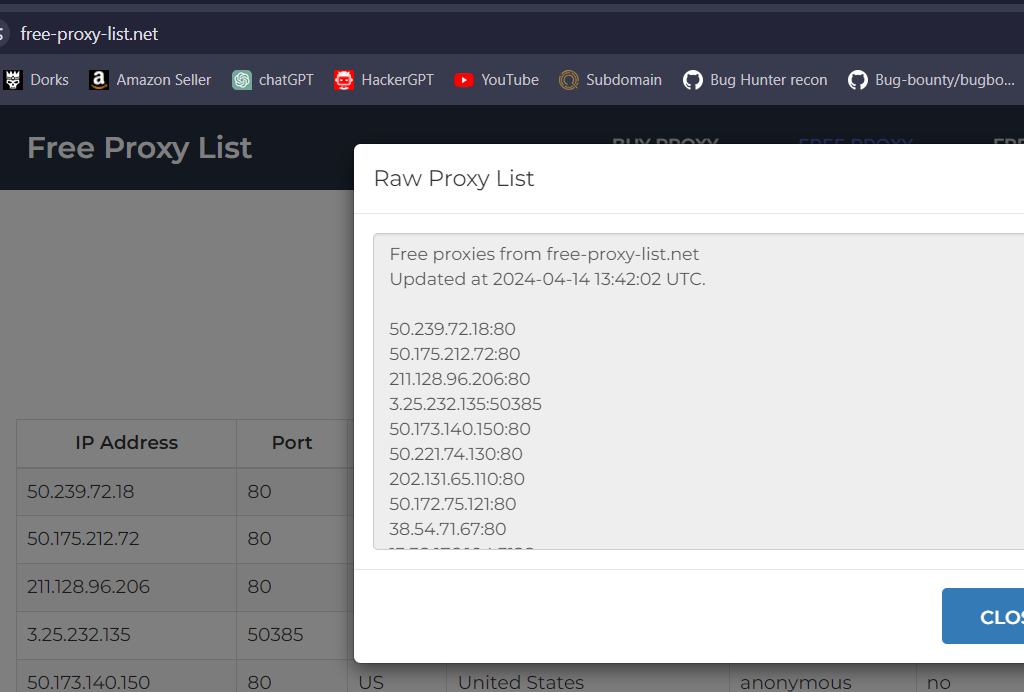
Step 3. Go to Google and search for free proxy lists

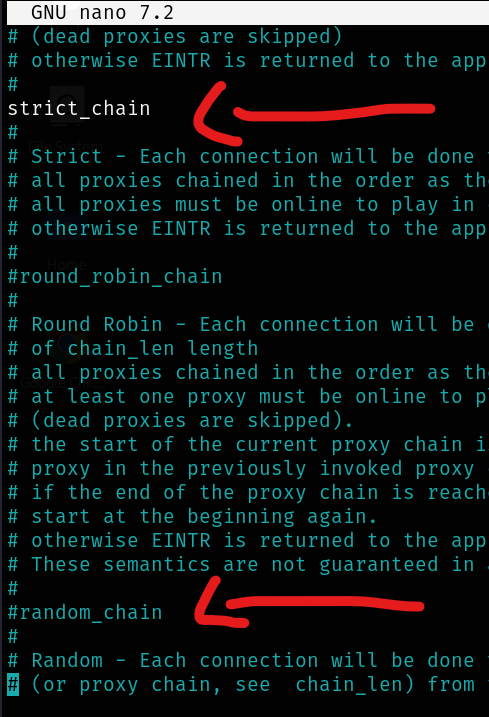
Step 4. Uncomment the lines from below image

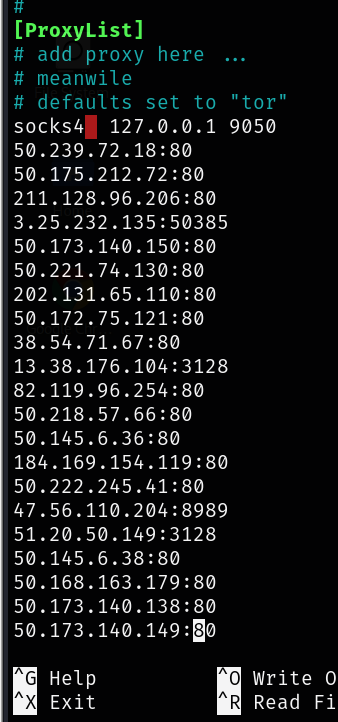
Step 5. Go to last lines and paste the proxies that you copied

Now you are all set.

Now just type: `proxychains firefox` browser will open with built-in proxies and now you are Anonymous

DoS-Attack

Dos/DDos Explanation

What is Dos/DDos?

DOS stands for Denial of Service and DDos stands for Distributed Denial of Service. It’s an attack that makes the website unreachable or unavailable by sending lots of traffic at once that the website can’t handle and responds SERVER ERROR 500.

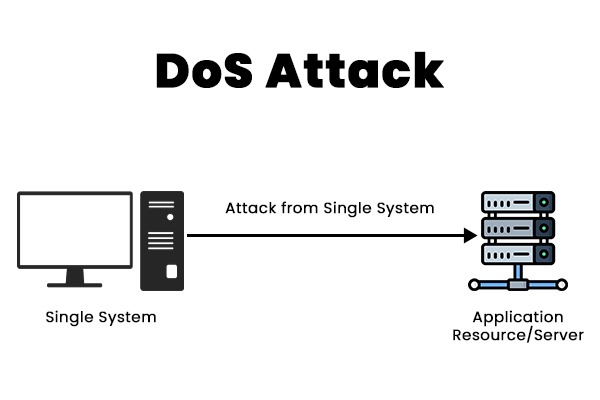
Dos Attack

Difference Between Dos and DDos?

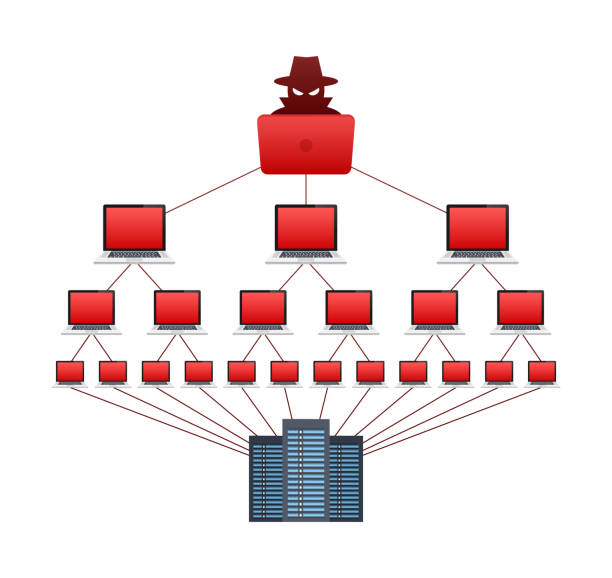
In the Dos attack as shown in the above image a single computer attacks on the server but in the DDos attack a lot of computers send a large number of packets to the server at a single time.

DDOS attack

Type of DOS/DDoS attacks

There are several types of DDoS attacks, each using different methods to flood the target. Some common types include:

  • TCP/UDP Flood: This type of attack floods the attack large number of TCP or UDP packets, increasing the target’s network resources.
  • HTTP Flood: This type of attack floods the target’s web server with a large number of HTTP requests, increasing the server’s resources until it crashes or returns Server error 500

Botnets

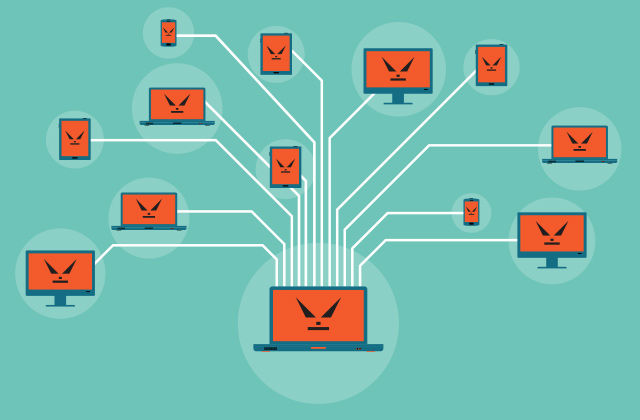
Botnets are often used to perform a good DDoS attack. Actually, botnets are the slaves or infected computers by an attacker that follows are command of the attacker and request websites to perform DDoS attacks. Botnets can be any personal computers or cloud-based computers

Prevention

  • Using firewalls — While firewalls won’t protect your app or server from complex DDoS attacks, they can still effectively handle simple ones.
  • Installing the latest security patches — Most attacks target specific software or hardware vulnerabilities, so deploying all patches on time can help you lessen the risk of attack.
  • Disabling unused services — The fewer applications and services hackers can possibly attack the better. Make sure to disable all unneeded and unused services and applications to improve the security of your network.