
Introduction:-
Installing metasploitable and configuring it into network.
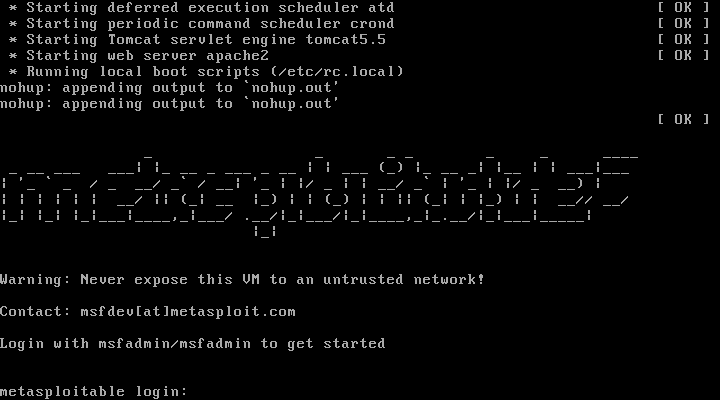
Step 1:- Navigate to https://download.vulnhub.com/metasploitable/Metasploitable.zip and download it
Step 2:- After downloading, Unzip the file and open your VMware Workstation Pro to install metasploitable into it
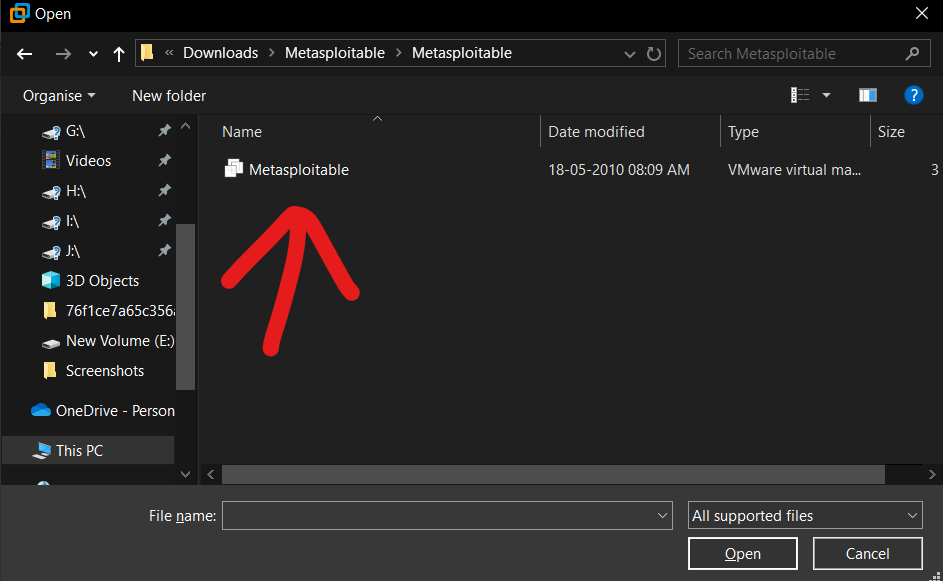
Step 3:- In VMware press ctrl+o (to open the file dialog menu) and select metasploitable where you downloaded the file
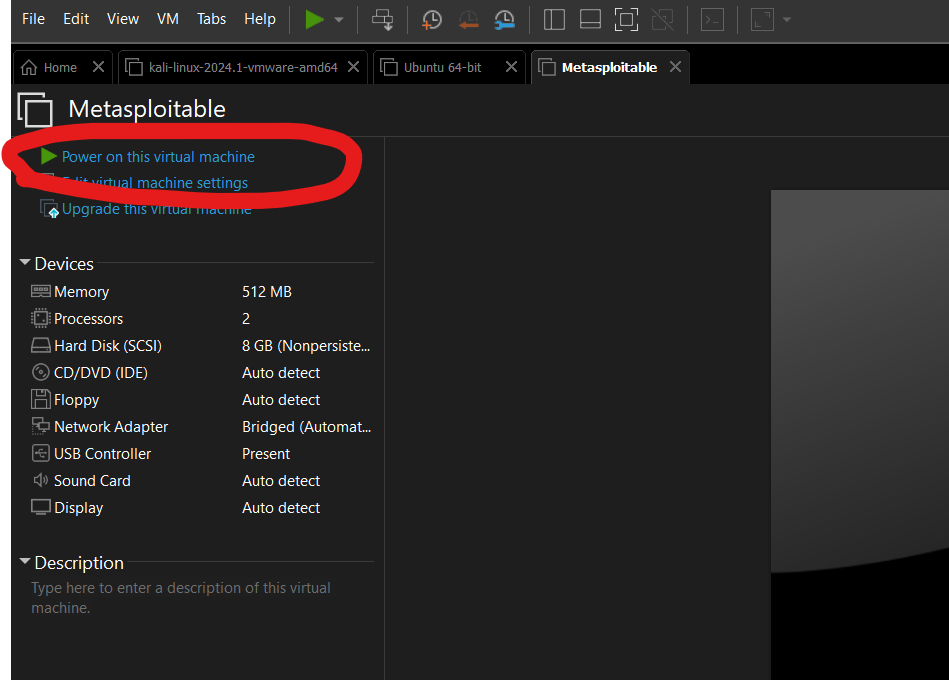
Step 4:- After opening the file in VMware start your machine and change the network adaptor as you suitable I am using my custom network. (After Starting the VM a dialog pops up and click on “I copied it”)
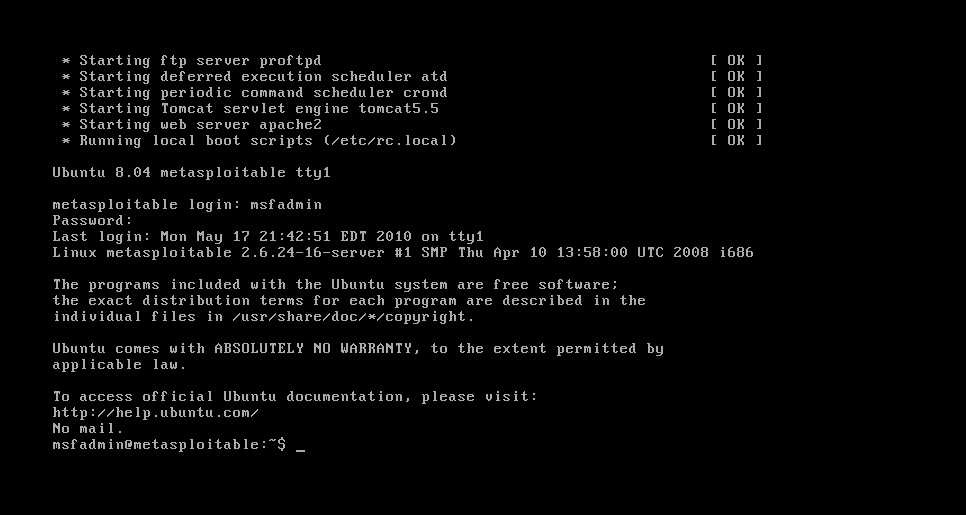
Step 5:- After the machine starts it asks you username and password so use its default user/pass msfadmin/msfadmin
Step 6:- Now check whether the machine is in-network or not, Start your attacker machine in the same network, Open your terminal, and type sudo arp-scan –localnet
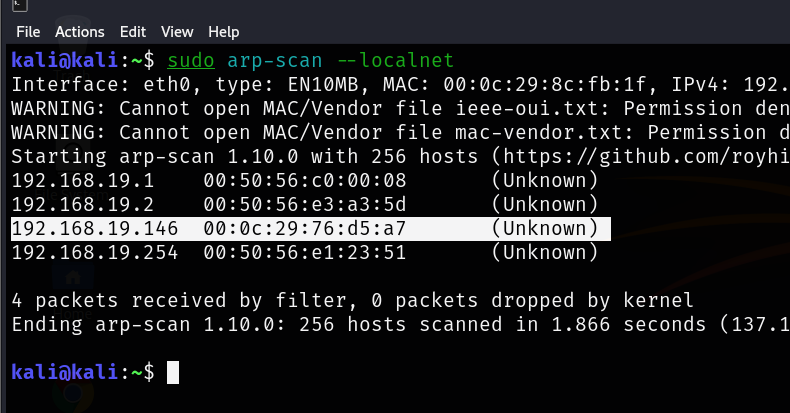
In my case, 192.168.19.146 is my target IP. Let’s open it in the browser
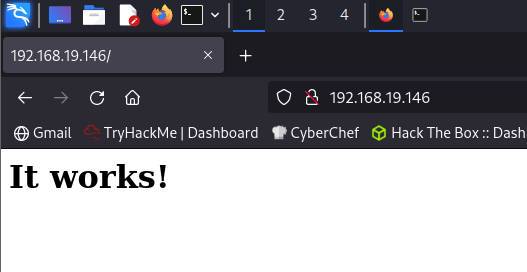
Now you successfully installed the metasploitable and configured its network.
Now Hack it!!